Star Ocean 6
The Divine Force
Introduction
Nothing Special here, just SK saving the day as usual.
Installation
The usual install procedures apply:
Configuration
Recommended Settings
Depending on your installation type (Global or Local) these settings go into different files.
Please consult Configurations for the correct location.
Adjust
MaxResandMinResto your resolution!
[Render.DXGI]
MaxRes=3840x2160
MinRes=3840x2160
[Display.Output]
ForceWindowed=true

[Window.System]
Borderless=true
Center=true
Fullscreen=false

[Render.FrameRate]
TargetFPS=60.0
BackBufferCount=3
Disable KB/M to fix Controller issues:
[Input.Keyboard]
DisabledToGame=1

[Input.Mouse]
DisabledToGame=1
Remove Blur / Depth of Field during cutscenes
-
Locate your game-specific config.
-
Create a new
d3d11_shaders.inifile with the following content next to it:
[DrawState.Pixel]
c63465cf=Disable
f5870307=Disable
f5b4efe1=Disable
| Before | After |
|---|---|
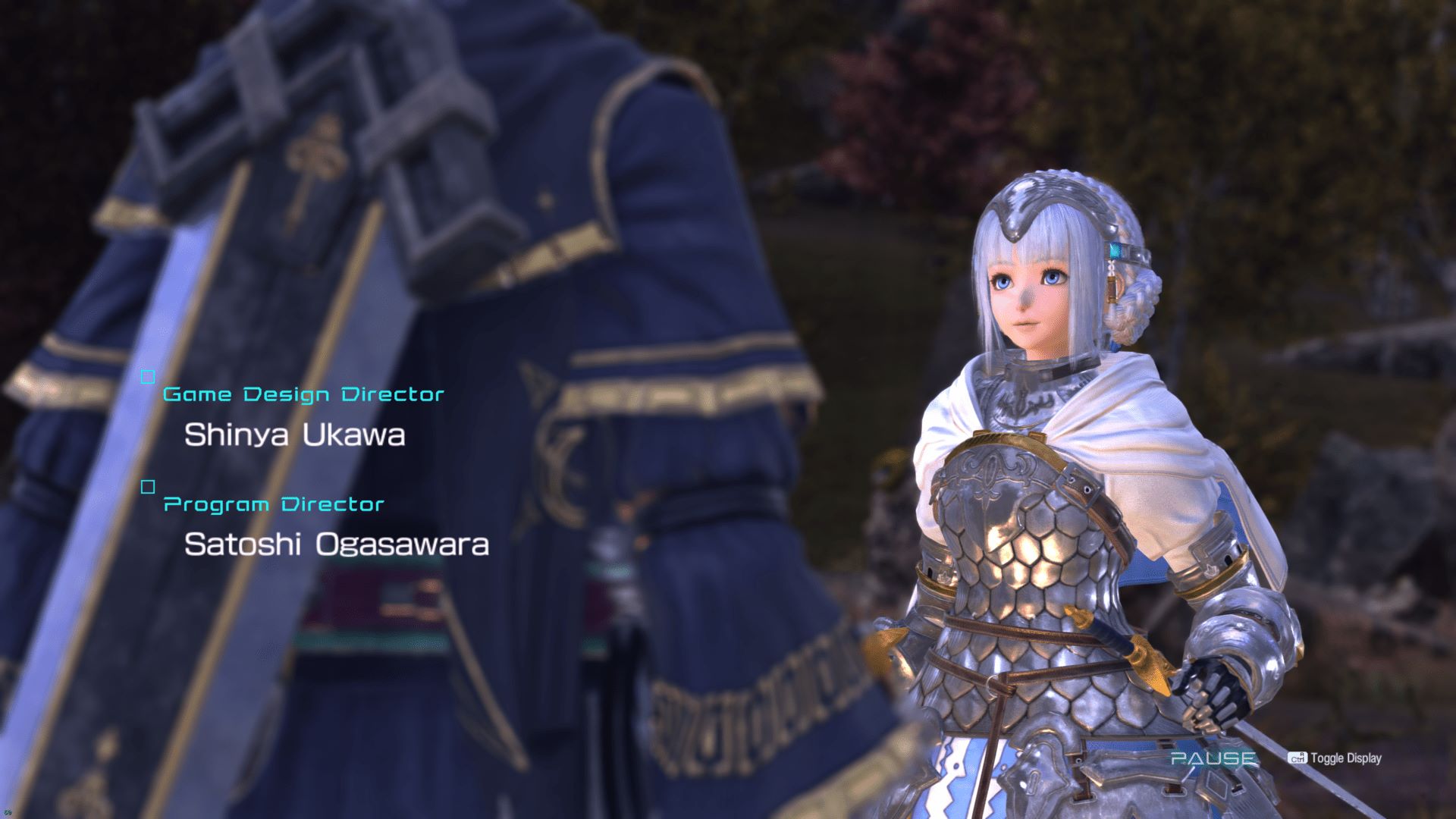 |
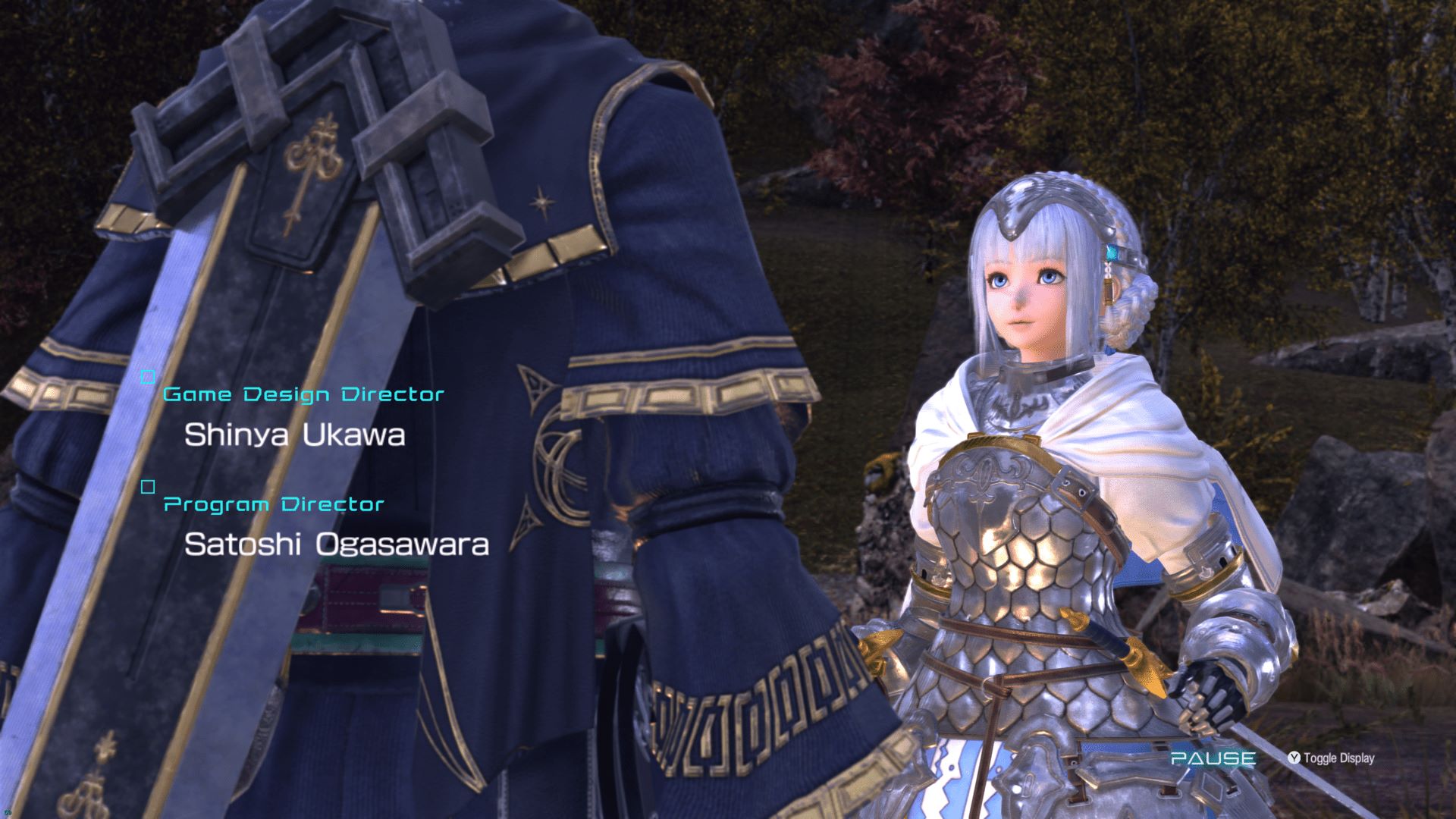 |
Recommendations
Recompile the Shaders
To reduce stuttering of the game it's recommended to recompile the shaders multiple times.
Do this by going to System -> Graphics and turn on Pre-compiled Shaders, then go back to the titlescreen.
Mods
PlayStation Buttons Mod
PlayStation Button Replacer by Paetra